Bengaluru6 min read
3D product configurators for Bengaluru brands: when they're worth it, how they're built, what they cost
Looking for a 3D or WebGL website developer in Bengaluru? When a product configurator is worth building, how a fast Three.js configurator works, what it costs and a brief you can copy.

Quick summary
- A configurator earns its cost when buyers choose between real options (colour, material, size, add-ons) and seeing the result changes whether they buy.
- The model is most of the work. Plan for a web-ready model of a few megabytes, built from CAD or a scan, with materials that match the real product.
- Load order matters more than the 3D library: real HTML and a static image first, the scene only after the page is usable and only on devices that can run it.
- Every option the buyer picks should end up somewhere useful: a cart line, a quote request or a shareable link.
- Our 3D and WebGL websites start at ₹1,50,000, fixed against a written spec.
Search for a 3D website developer in Bengaluru and most of what comes back is job listings for Three.js engineers and freelance gigs promising “stunning 3D”. Neither tells a brand whether a 3D product configurator is worth building, what goes into one, or how to stop it from turning a fast product page into a slow one.
This guide is for D2C, furniture, hardware and consumer-electronics teams thinking about putting their product in 3D on the web. It covers when a configurator pays off, how a fast one is built, what drives the price, and a brief you can send to any studio, including us.
When a configurator is worth building
A 3D configurator is a product page where the buyer can turn the product, zoom in and change options (colour, material, size, add-ons) and see the result straight away. It’s a good tool for some products and an expensive decoration for others.
It tends to pay off when:
- The options are real and visual. A sofa in six fabrics and three leg finishes, a bike frame in four colours, a modular shelf the buyer sizes themselves.
- Photos can’t cover every combination. Six fabrics times three finishes is eighteen photo shoots. One good model covers all of them.
- The product is bought on looks and fit. Furniture, eyewear, footwear, lighting, watches, kitchen fittings.
- The price is high enough that buyers hesitate. Seeing the exact configuration answers the “will it look right?” question before it becomes a reason to leave.
It usually doesn’t pay off when the product has one or two options a photo already shows, when buyers choose on specs rather than looks, or when most traffic arrives on old, low-memory phones and leaves within seconds. In those cases a sharp photo gallery and a short video do more for less.
If you’re not sure, start smaller: a single 3D viewer on your top product, with no options. If people use it, add options later.
What a configurator is made of
Every configurator, whatever studio builds it, has the same five parts. Knowing them makes quotes easier to compare.
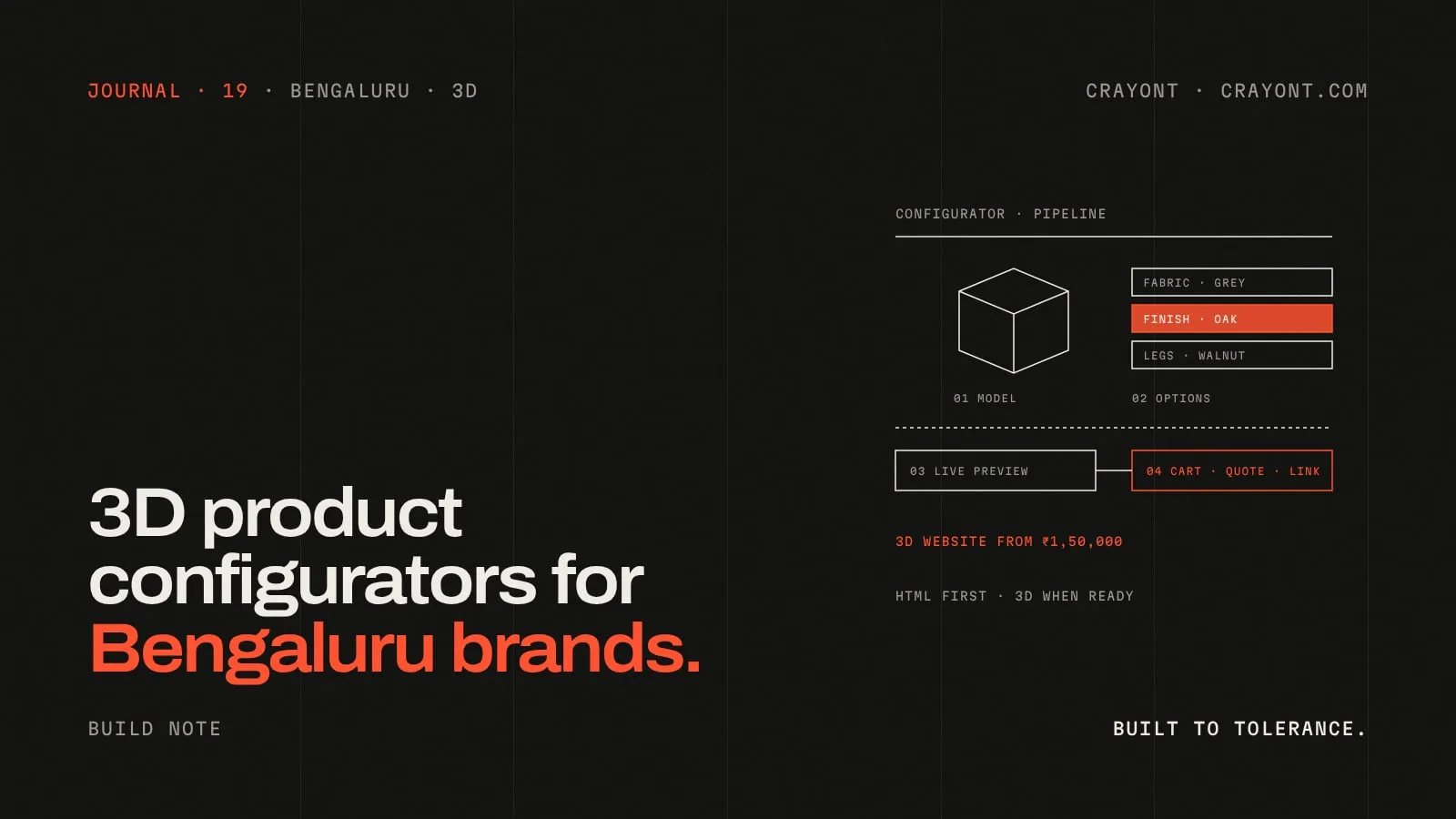
1. The 3D model
This is most of the work. A model built for a product render or for manufacturing is usually far too heavy for a browser. It needs to be rebuilt or reduced to a web-ready size, with each part that can change (the fabric, the legs, the frame) kept separate so it can be swapped.
The sources, from easiest to hardest:
- CAD files from your engineering or manufacturing team. Accurate shapes, but need cleaning and lighter geometry.
- An existing render model from a product shoot or ad. Usually close, but often too detailed.
- A new model built from photos, drawings or a physical sample. Needs a 3D artist and the most time.
2. Materials and textures
The model’s surfaces have to look like the real thing: the weave of the fabric, the grain of the wood, the shine on the metal. Each material option is a set of texture images, compressed so they load quickly. This is where configurators go wrong most often. A wrong colour on screen leads to returns.
3. The options logic
Which options exist, which combinations are allowed, what each one costs, and what the buyer sees when they change one. This is ordinary code, and it should read its data from your product catalogue or CMS, not be typed into the 3D scene by hand.
4. The scene
The camera, the lighting, the controls (rotate, zoom, reset) and the way it looks while loading. We build ours in Three.js, which runs in every modern browser without a plug-in.
5. The hand-off
What happens when the buyer is done. A configurator that ends with nothing is a toy. It should do one of these:
- Add the exact configured item to the cart (for a Shopify or WooCommerce store).
- Send a quote request with every option filled in (for made-to-order products).
- Create a shareable link, so the buyer can send the configuration to someone else and open it again later.
How we keep it fast
A 3D scene is heavy by nature. The trick is to make sure the buyer never waits for it. Our rules for every 3D build:
- Real HTML first. The product name, price, description and buy button are normal HTML and appear straight away. Search engines read them the same way.
- A static image underneath. A finished-looking still of the product sits where the scene will be. If the 3D never loads, the page still works and still looks right.
- Load the scene late. The 3D library and the model load only after the page is usable, the browser is idle and the scene is on screen.
- Check the device first. Data-saver mode, slow connections, low-memory phones and visitors who prefer reduced motion get the static version, designed properly rather than as a broken fallback.
- Render only when something changes. The scene redraws when the buyer drags or picks an option, not sixty times a second while nobody’s touching it.
- Measure on a mid-range phone. Speed targets go in the spec, and we hand over a measured report at launch.
We wrote about this in more detail in 3D websites that still load in under two seconds, and the Core Web Vitals side in our checklist.
What it costs
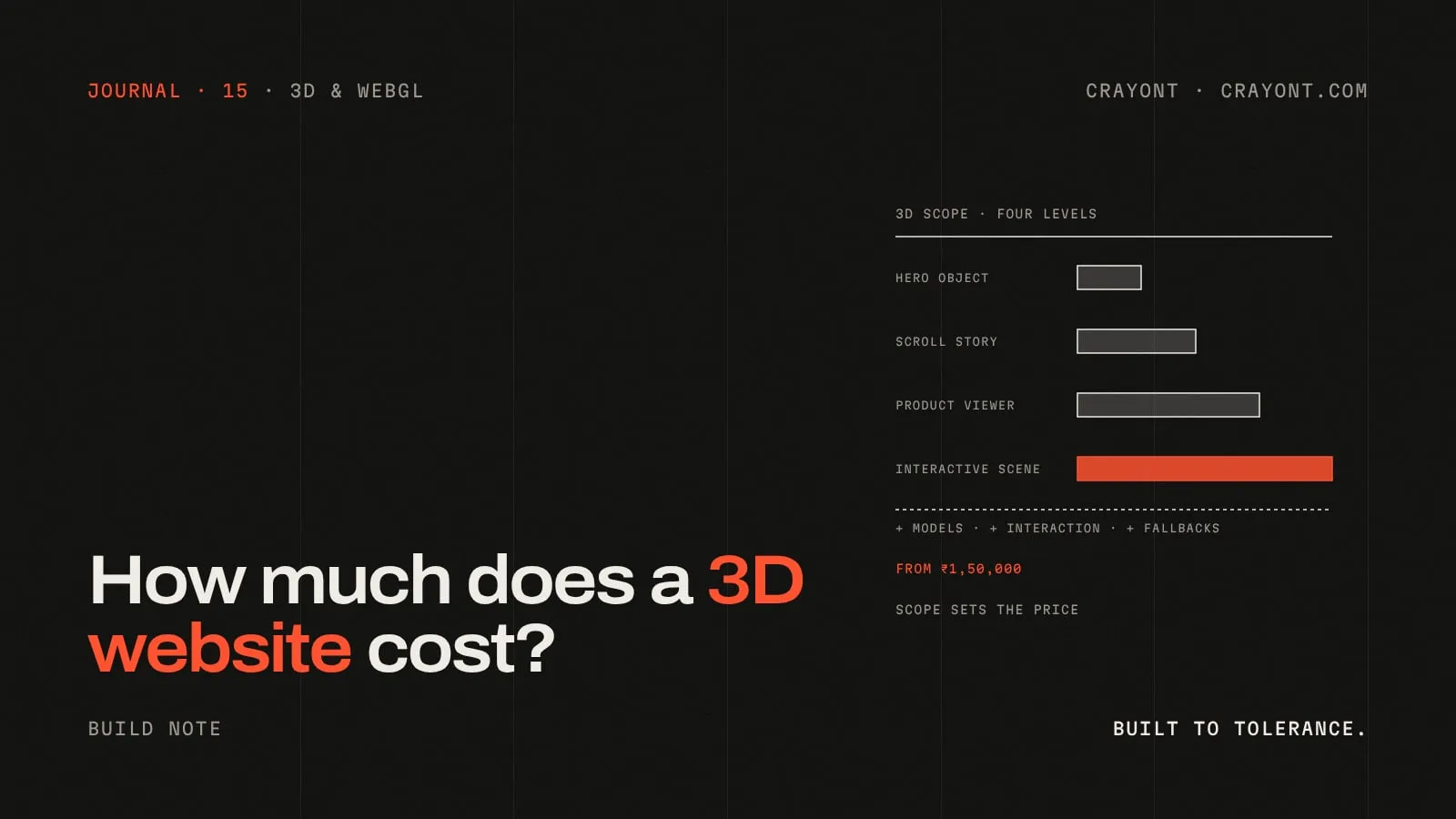
Our 3D and WebGL websites start at ₹1,50,000, fixed against a written spec. What moves the price above that:
| What changes | Why it matters |
|---|---|
| The state of your model | A clean CAD file is quick to prepare. Building a new model from photos is a separate job for a 3D artist. |
| Number of parts that change | Swapping one fabric is simple. Swapping fabric, legs, size and add-ons means more separate parts and more testing. |
| Number of material options | Each material needs textures made, compressed and checked against the real product. |
| Rules between options | “This frame only comes in these three colours” is logic that has to be written and tested. |
| Where the result goes | A shareable link is quick. A Shopify cart line or a CRM quote with every option takes integration work. |
| How many products | The first product carries the set-up cost. Later products that share parts cost much less. |
A configurator that ends with nothing is a toy.
For the full picture of how 3D scope affects price, see how much a 3D website costs. For the rest of our prices, see the services page.
Questions to ask any 3D website developer
Ask these before you sign
- Who builds the model, and who builds the website? Will I talk to both?
- What will the page show before the 3D loads, and on phones that can't run it?
- How large will the model and textures be, and how do you keep them small?
- How will you check the colours on screen against the real product?
- Where does a finished configuration go: our cart, our CRM, a link?
- How do we add a new colour or product later without coming back to you?
- What will the page measure on a mid-range phone, and will that be in the spec?
- Who owns the model files and the code at the end?
A one-page brief you can copy
Company: [name, what you sell, where you sell it]
Product(s) for 3D: [one or several, and which first]
What buyers can change: [colour, material, size, add-ons]
Number of options: [roughly, per part]
3D files we have: [CAD / render model / none]
Where it lives: [Shopify / WooCommerce / React or Next.js site / new site]
After configuring, the buyer should: [add to cart / request a quote / share a link]
Who will add new options later: [names or roles]
Speed target: [e.g. page usable in under 2 seconds on a mid-range phone]
Budget band: [range]
Launch date: [and why that date]
How we work with Bengaluru brands
We’re Crayont, a two-founder design-engineering studio in Vellore. Riyaz designs and builds the front end and the 3D, Salman builds the back end and integrations, and when a project needs a new model, a 3D artist joins and you’ll know who they are from day one.
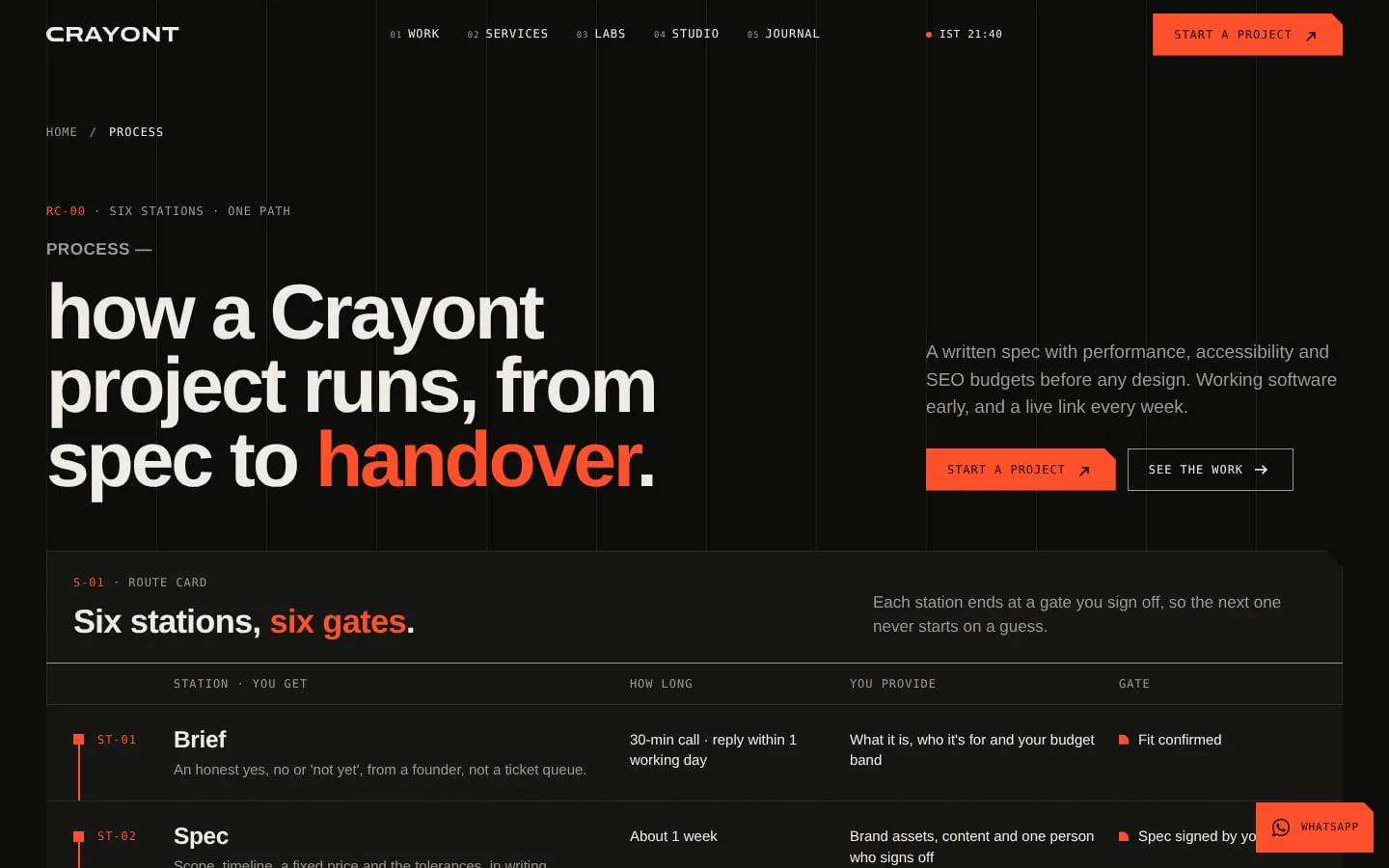
Work with Bengaluru teams is remote: a call to start, a written spec, then a preview link you can open on your own phones every week and a short written update every Friday. The steps are on our process page.
See our 3D and WebGL websites page for Bengaluru, the full 3D and WebGL website service, or what we’ve built on the work page. When you have a product in mind, even roughly, send us the brief. You’ll get an honest yes, no or “start smaller” within a working day.
Questions people ask
- How much does a 3D product configurator cost in Bengaluru?
- Our 3D and WebGL websites start at ₹1,50,000. The price depends mostly on the state of your 3D model, how many options and combinations there are, and where the configured product has to go (cart, CRM, quote form). It's fixed after a written spec.
- Do we need a 3D model before we start?
- It helps but isn't required. If you have CAD files or a model from a product render, we optimise it for the web. If not, a 3D artist joins the project to build one, and you'll know who they are from day one.
- Will a 3D configurator slow down our website?
- It doesn't have to. The page loads as normal HTML first with a static image of the product, and the 3D scene loads afterwards only on devices that can handle it. Speed targets go in the spec and are measured at launch.
- Can it work with our Shopify store or existing React site?
- Yes. A configurator can sit on a Shopify product page and add the configured item to the cart, or be added to an existing React or Next.js site as a separate, lazy-loaded component.
- Do you work with Bengaluru brands remotely?
- Yes. We're in Vellore and work with Bengaluru teams remotely: a kick-off call, a written spec, a preview link you can open on your own phones every week, and a written update every Friday.
Keep reading
All notes →- Hiring Three.js and WebGL developers in India: how to check they can ship a real 3D websiteLooking to hire Three.js or WebGL developers in India? Freelancer, staffing firm or studio, the technical questions that separate demos from production work, a paid test you can copy and what it costs.
- How much does a 3D website cost? What actually drives the price of a Three.js siteWhat a 3D or WebGL website costs, the six things that move the price, and how to scope one so you don't pay for 3D nobody sees. With our starting price and process.
- 3D and WebGL websites that still load in under two secondsHow we build 3D and WebGL websites that stay fast on a mid-range phone: poster first, GPU gating, on-demand rendering and a designed reduced-motion state.